On the evening of April 13, I got an email from Google Search Console saying that a new owner had been added for my domain brando.dev. I followed the link in the email to the dashboard, but I didn't see anyone besides me listed as an admin or owner, so I didn't think much of it.
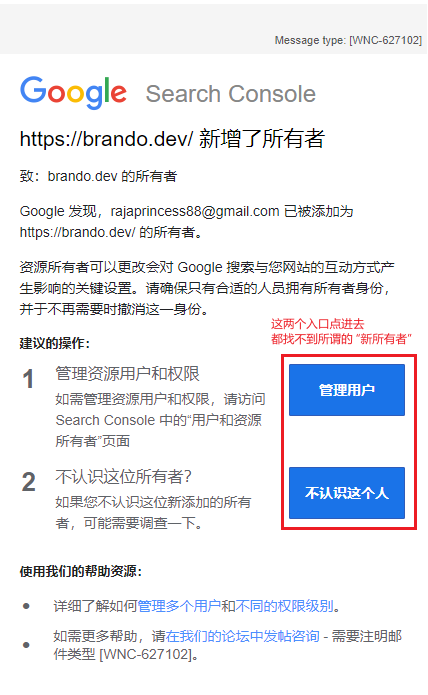
In fact, if I had gone to
Add property > URL prefixin Google Search Console and entered my domain's prefix, I would have seen the newly added owner (the attacker). For some mysterious reason, even though I manage and monitor my domain as aDomainproperty, and I do get warnings when someone adds an owner through aURL prefixproperty, those records don't show up in my ownDomaindashboard. The two property types seem to be treated as different resources to some extent. (But if so, why notify the account linked to myDomainproperty at all? I don't get the Google team's logic.)
At the time, I just checked with my domain registrar that the domain was still renewing normally, and went to bed. I didn't expect to wake up to several more alerts from Google Search Console:
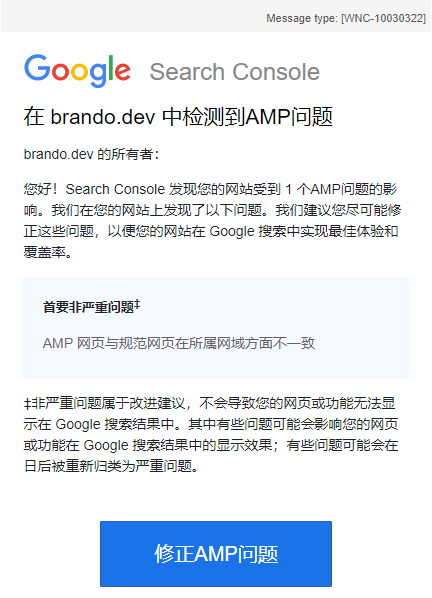
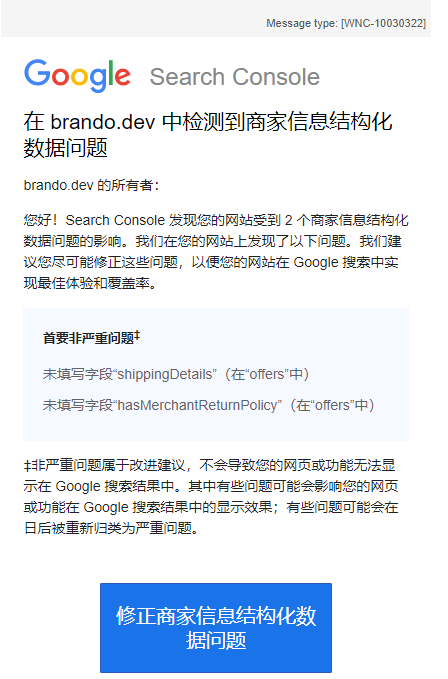
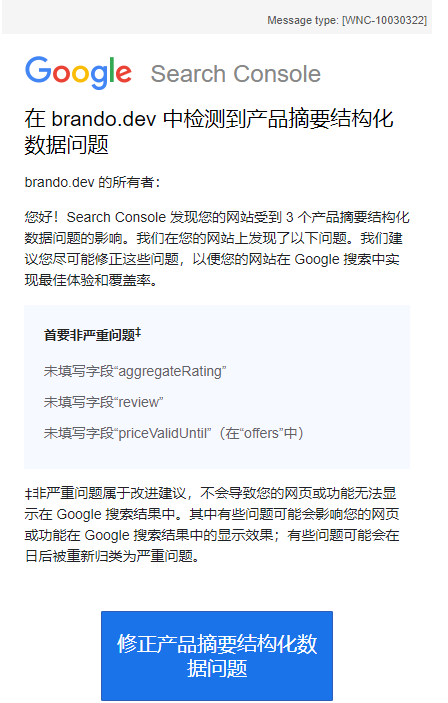
When I opened my blog's home page, I realized things were bad:
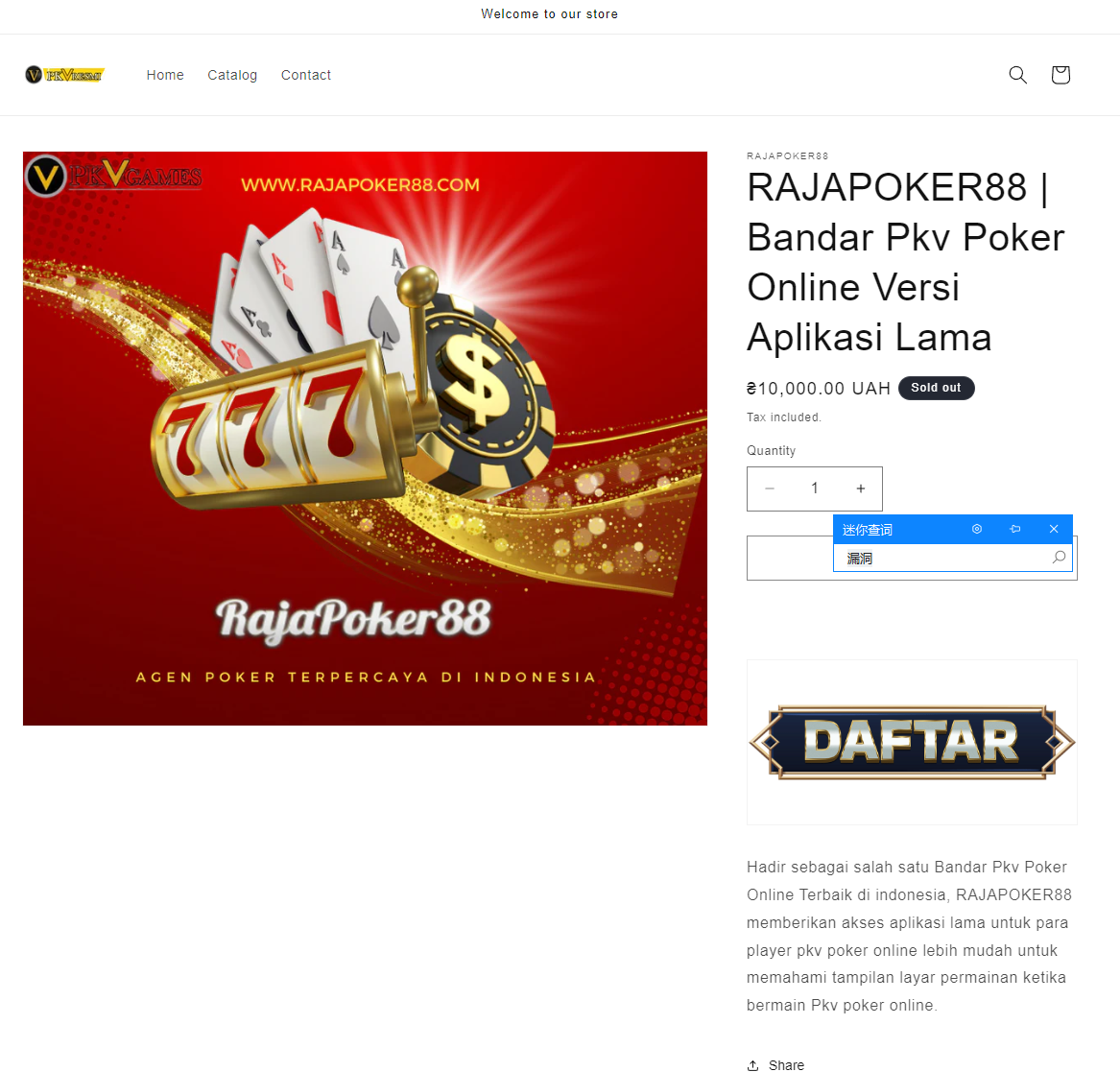
I was furious. My first thought was that something had gone wrong with the domain, since Google Search Console was the first to alert me. I opened the issues mentioned in Search Console, but I still couldn't find the newly added owner account, and I couldn't fix anything directly from the console; it seems the console only lets you validate whether an issue has been fixed. I logged in to my domain registrar and confirmed that the domain was still validly renewed and that the DNS records hadn't been touched.
Then I tried a few links to older posts and found that they all led to GitHub Pages' 404 page. That made it even stranger: a GitHub Pages "Page Not Found" means the requests really were reaching GitHub Pages. Had my repo been changed?
I opened the GitHub repo that hosts my blog and checked the static files. Nothing was wrong. Just in case, I ran hexo generate again to regenerate the static pages into the deployment branch, then reopened the blog's home page. Still the gambling site…
Then an idea flashed through my mind. I typed brandozhang.github.io into the browser's address bar, and sure enough, it opened my blog's home page, without redirecting to brando.dev. My hunch was confirmed.
I think the attacker hijacked the domain like this.
The diagram below shows how a normal GitHub Pages request works. If you have set up a custom domain like I did, a visitor's DNS lookup for my custom domain brando.dev returns the IP addresses in its A records, which are the GitHub Pages servers.
When the visitor actually requests that address, the GitHub Pages server uses the Host field in the HTTP request header to look up which repository it belongs to in GitHub's records, and returns that repository's static pages.
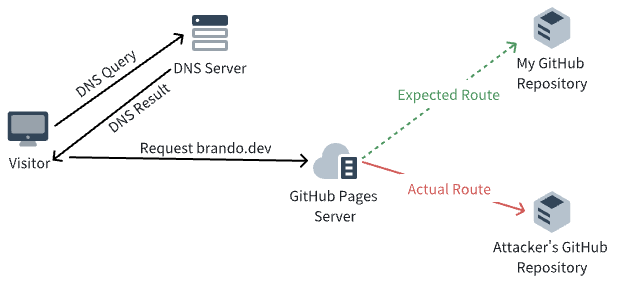
At the time, the GitHub Pages custom domain feature was exclusive to GitHub Pro users. I had been using it for free through the GitHub Pro plan that comes with the GitHub Student Program, which also let me publish GitHub Pages from a private repository (another paid feature). After I graduated a while ago, my GitHub Student Program benefits expired and I forgot to start paying, so both the custom domain and the "publish GitHub Pages from a private repository" features stopped working.
In their own GitHub repository, the attacker could claim that brando.dev belonged to them: add a CNAME file and set it as the custom domain in the GitHub Pages settings. Once that setting took effect, the next time someone visited brando.dev, the GitHub Pages server would follow its records, route the request to the attacker's repository, and serve the attacker's site. Of course, to use the custom domain feature, the attacker presumably needed GitHub Pro too. GitHub Pro subscriptions went up, so GitHub is the real winner.
To fix this, I paid GitHub to get the custom domain feature back… Then I followed this guide to verify my ownership of the domain on GitHub again. According to GitHub, once I verify a custom domain, nobody else can verify it unless I revoke it later. Note that verifying the custom domain took about 7 hours to take effect (although the guide says it can take up to 7 days). Only after that could I set the custom domain in my repository again and route the domain back to my site.
Cite this post
@misc{brandozhang2024github,
  title  = {记一次 GitHub Pages 博客被攻击与修复},
  author = {Brando ZHANG},
  year   = {2024},
  url    = {https://brando.dev/zh-hans/posts/github-pages-hijack-recovery/},
  month  = may
}